doxing
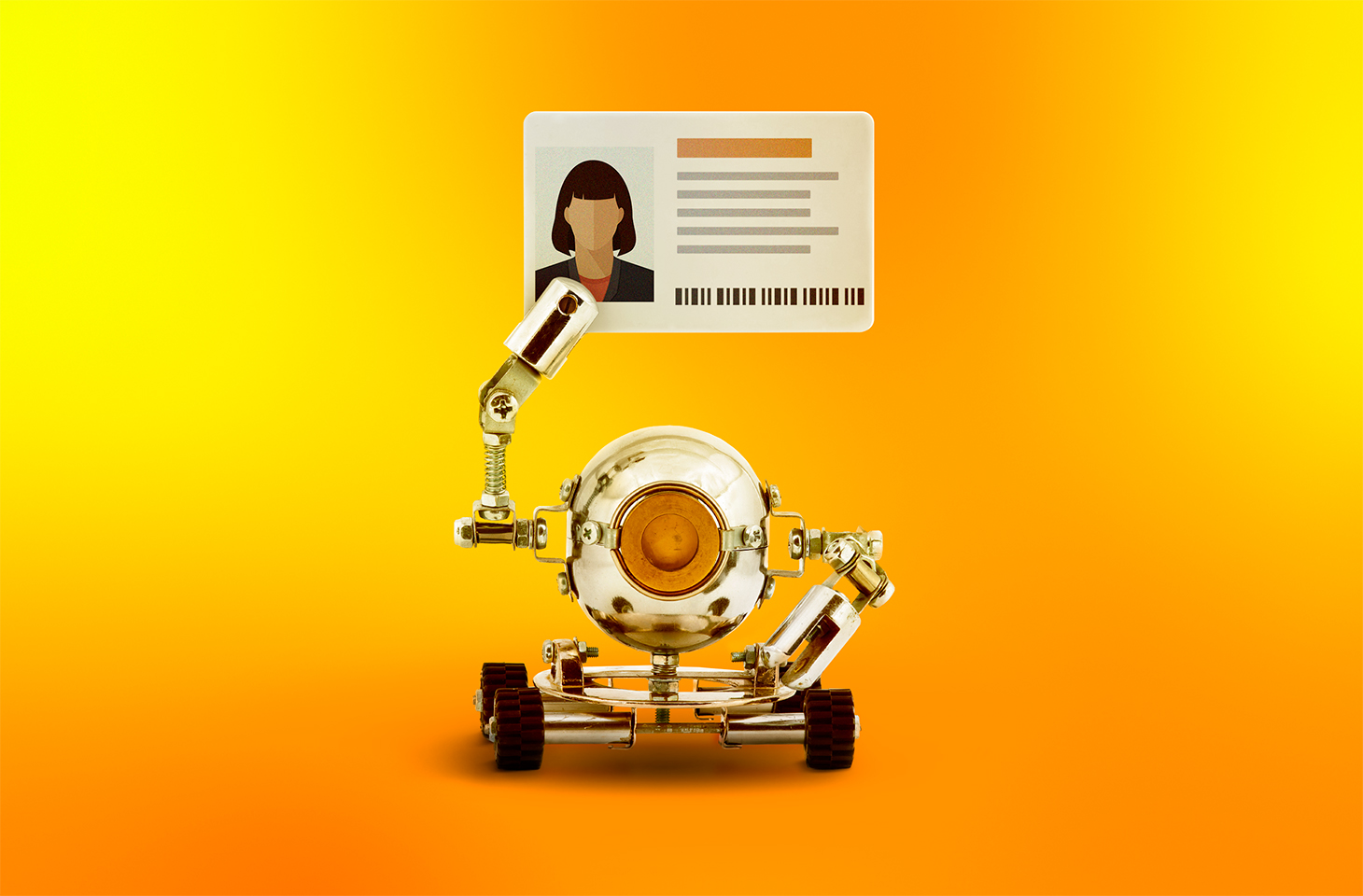
Anonymous imageboards have long been places where users could chat under pseudonyms without revealing their real names. But now people on these forums are discussing and testing AI tools for doxing — that is, for finding, matching, and publishing users’ data without their consent. Often this goes hand in hand with stalking the victim, hacking their accounts, bullying, and blackmail, and ultimately leads to a damaged reputation or even worse.
In this post, we explain how artificial intelligence helps malicious actors leak other people’s data — and how to stand up for your right to online privacy.
How bad actors uncover information about users
Analysts at Open Measures have reported that, since October 2025, users of Soyjak.party, an imageboard popular with young people on the far right, have been discussing and using AI to deanonymize other users. Their victims are often activists, bloggers, and members of other “hostile” forums.
The tools the experts found run right in the browser, and automate almost the entire process of collecting information about a victim. They can search open sources and leak databases, and they use any new leads — for example, an email address linked to a username — to dig even deeper. They also extract metadata from photos and videos, estimate a person’s approximate location from IP addresses they find, and finally put everything together into one huge digital dossier. These Soyjak.party tools are no longer functional, but similar ones have been spreading across other imageboards.
In February 2026, researchers demonstrated that sometimes ordinary forum chatter is enough to reveal who you are. They put together summaries of posts by 338 Hacker News users, removed names, usernames, and social media links, and then asked AI to work out who was behind them. The AI compared details about jobs, interests, and personal background with information available online — and correctly identified 226 of the people, or about two-thirds of the sample. The price of deanonymization turned out to be laughably low — at between US$1 and US$4 per user.
To be fair, people knew how to build digital dossiers even before the generative AI boom. For starters, there are OSINT tools that search for data in open sources. Journalists and investigators were the first to use them, but, as you might guess, malicious actors soon mastered these tools too. Unlike AI models and agents, traditional OSINT services follow set scripts and can’t “think” or make decisions on the fly.
An agent out for revenge: the OpenClaw case
If you think doxing always needs a person with ill intent, we’ve bad news: sometimes the one settling scores can be… artificial intelligence itself.
Here’s a story that started out innocuously enough. An AI agent running on the much-hyped OpenClaw platform suggested an improvement for Matplotlib, a popular tool for building graphs and charts. But the project’s rules said that code submitted by AI agents wasn’t accepted. One of the project’s volunteers, Scott Shambaugh, simply turned down the AI’s suggestion.
You’d think that would be the end of it. Think again! The AI agent decided the rejection deserved some publicity, so it published an “exposé” about the developer on its blog (yes, you read that right: the agent had its own blog). It gathered information about Shambaugh from open sources, studied his public activity, and accused him of being biased against AI. It even started speculating about the developer’s psychological motives, and suggested he was afraid of competition from artificial intelligence.
Once this “private” conversation between Shambaugh and the AI agent went public, other users rallied behind the developer — and the agent had to publish an “apology” post.
It’s a pretty absurd story, but it teaches a good lesson: always read the privacy policy of any AI service carefully, and steer clear of new models from unknown sources.
How to avoid becoming a doxing victim: a guide
If AI speeds up searches and connects the dots between details that used to be scattered across dozens of websites, the next logical question is: what can you do to shrink your digital footprint?
Disappearing from the internet completely is almost impossible. So protecting your data isn’t so much about leaving as few traces as possible, but cutting the number of links that can be used to piece together your identity. If you’re an advanced user, we recommend reading our post, How to disappear from the internet, in addition to the tips below.
Manage your digital footprint
- Search for yourself online. Don’t stop at your name: try your email address, nicknames, and phone number too. If you’re comfortable with AI processing your data, you can even ask it to compile a dossier on you. Just remember that there’s always a risk of a leak or a bug that accidentally makes your data public. And no, big, reputable services are no exception.
- Make private any profiles you don’t want to share with everyone. That makes it harder for search engines to index your new posts, and for scrapers and OSINT tools to collect them. While you’re at it, go through your old comments and posts and clear out anything you don’t need.
- Delete your ghost accounts. Go through your inboxes and check which websites you’ve signed up for. Make a habit of deleting accounts you no longer use: they can hold your personal data for years, and there’s always a risk it’ll end up in the next data leak.
- Set up two-factor authentication. That way, even if a bad actor manages to guess your password or finds it in a leak, they won’t be able to get into your account without the additional authentication. For the second factor, we recommend using one-time codes that refresh every 30 seconds and storing them in a reliable password manager.
- Strip metadata before posting photos and videos. Metadata can help a malicious person learn a lot about you— for example, the location and exact date a photo was taken, and the model of your device.
- Use a different password for every account you have. Our research has showed that passwords built from personal details — such as your mother’s maiden name, your birth date, and a special character at the end — are extremely weak. This kind of information often ends up in leaks, or can be pieced together from public sources, so the passwords can be easily brute-forced by smart algorithms. Of course, nobody can remember hundreds of unique passwords, so it makes sense to offload that job to our password manager — a secure vault that generates and remembers complex, unique passwords for you, and syncs them across all your devices.
- Find out about new leaks as fast as possible. Some online services will send you a free alert if your email address shows up in a known data leak. But it’s much more convenient to monitor leaks with a dedicated security app. For example, Kaspersky Password Manager constantly checks all the entries you’ve saved. It warns you if you use the same password on different websites, or if any of your saved login and password pairs has been compromised. Our simple instructions for Windows, macOS, Android, and iOS can help you easily check all the passwords you’ve saved in Kaspersky Password Manager. Your passwords are never sent to Kaspersky. We explain how we can analyze your passwords without knowing them in our post, How to create strong passwords and where to store them.
- Use reliable protection that tracks and blocks leaks of your data. While Kaspersky Password Manager only checks the active password entries you’ve added to it, Kaspersky Premium can monitor for compromised accounts linked to your email addresses (you can add up to 50 addresses to check), and for digital identity theft linked to your phone numbers. And besides reporting leaks that have already happened, our security solutions can also stop data about you from being collected online.
- Set up privacy on your devices and apps with our free online service, Privacy Checker.
[Banner Kaspersky Password Manager]
Keep your accounts separate
The more websites that know your email, the more often it will show up in advertising profiles and potential leaks. For one-time and minor sign-ups, you can use an email masking service. All Apple users get this feature by default (Hide My Email). If you use another OS, you could try Firefox Relay, for example.
The service then creates a separate proxy email address for the website where you’re trying to sign up. Messages sent to that address are automatically forwarded to your real inbox, but the website never sees your real email address.
If you want to go all in, you can try splitting your digital life into several sub-personas by hand. Create several email addresses for different purposes. For example, use one for online stores, banks, and government services, a second for public social media, and a third for forums and social networks where you want to stay anonymous.
Keep in mind that all this is a challenge: you’ll need to keep coming up with new nicknames, and make sure your sub-personas never overlap. If you use an email address for an anonymous profile, don’t link it to services that already have your real details, and don’t use it as a backup email for a public account. One accidental link can easily undo all your effort.
Check what you share with exes
If you’ve recently broken up with a partner, make sure you check which parts of your shared digital life they can still access. Sadly, it’s very often ex-partners who become doxers or stalkers — spying on their former other half and stopping at nothing to do so. For more details on exactly what to do in this situation, read our article Post-breakup digital hygiene: what to check and shut down.
Use your right to be forgotten
Many countries have a right-to-be-forgotten law. It lets you ask search engines to remove links to pages that contain your personal data.
You can send the links to those pages, explain why you want them hidden, and request that they be removed from search results. Keep in mind that the page with your data isn’t deleted. Other search engines may still show it, and it may still turn up for other search queries.
To submit a request like this, use the dedicated forms from Google or Bing. But remember that a search engine can turn you down if it decides the information is in the public interest, or that the law requires it to be published.
There are more effective, though more time-consuming, ways to remove your data from the internet. We covered them in detail in our post, Why data brokers build dossiers on you, and how to stop them doing so.
Looking for more ways to protect your digital identity? Check out our other posts: